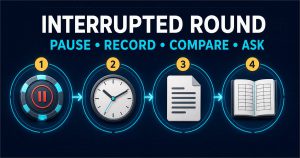
Before sending account, payment, KYC, or withdrawal information to casino support, verify that the contact route belongs to the exact company and domain you intend to reach. Then create a complete case record with the case ID, timestamps, full transcript, transaction references, evidence shared, and the promised next step.
Quick answer: Do not trust a support link, number, QR code, or social profile because it appears in an ad, message, or top search result. Start from an exact domain you independently confirmed. Never share a password, OTP, recovery code, seed phrase, full payment credential, or remote access.
This guide does not verify a SuperAce88 support route, service quality, availability, response time, resolution record, or transaction outcome.
Verify the support route before the conversation
- Open the exact confirmed company/platform domain directly.
- Find support in the site terms, privacy notice or authenticated help area.
- Compare the company name, e-mail domain, phone number and chat origin.
- Do not use contact information supplied only by an unexpected message or social account.
- Save the verified support page URL and check date.
The US Federal Trade Commission warns that fake customer-service details can appear in search results and advises going directly to a known real website. A familiar logo, caller ID, agent photo or “verified” social badge is not enough.

Open one case and preserve its identity
Ask for a case, ticket, chat, complaint, or reference ID at the start. If support opens a new case, record how it connects to the previous one.
| Case field | Record |
|---|---|
| Support route | Exact URL/e-mail/phone and how it was independently verified |
| Case identity | Case/ticket/chat ID and agent label |
| Time | Start/end timestamps and timezone |
| Issue | One-sentence statement and requested explanation/remedy |
| Transaction | Redacted account, request/transaction ID, amount, currency, method and status |
| Evidence | Files/screenshots shared and upload receipts |
| Outcome | Exact explanation, next step, owner and any follow-up date stated |
Keep the full transcript, not only screenshots
Screenshots can omit earlier context, timestamps or attachments. Save the full chat export or complete e-mail thread when available. If the support tool has no export, capture the start, case number, full sequence, timestamps, attachments and ending status.
Do not edit the original. Create a separate redacted copy for sharing. Record dropped calls, failed uploads, closed chats and any reason that changed between contacts.
Redact the copy, preserve the original privately
| Usually useful | Keep private or mask |
|---|---|
| Case ID, transaction ID, date/time, status, amount/currency | Password, PIN, OTP, recovery code, security answer |
| Last few characters of account/payment identifier when needed | Full card/bank/e-wallet number, CVV, wallet seed phrase/private key |
| Specific term, KYC category and rejection reason | Full ID number/image, selfie, signature, unrelated bank transactions |
| Verified company/support contact | Home address, phone/e-mail or another person’s data when unnecessary |
Do not alter evidence deceptively. Ask the verified recipient which minimum information is required, why, and through which secure route. Legal or KYC processes may require more than a public complaint, so keep public posting separate from secure case submission.
OTP, password, and remote-access requests are hard stops
An OTP or authenticator code is for the authentication flow you initiated. It is not support evidence. End the contact if an “agent” asks for a password, code, screen share, remote-control app, seed phrase, gift card, crypto transfer, new wallet/account, release fee, or another deposit.
Preserve the request, then reopen support from the known route. If credentials or access were already shared, secure the affected account, linked e-mail, payment provider and device through their official recovery processes.
Join platform, provider, and destination evidence
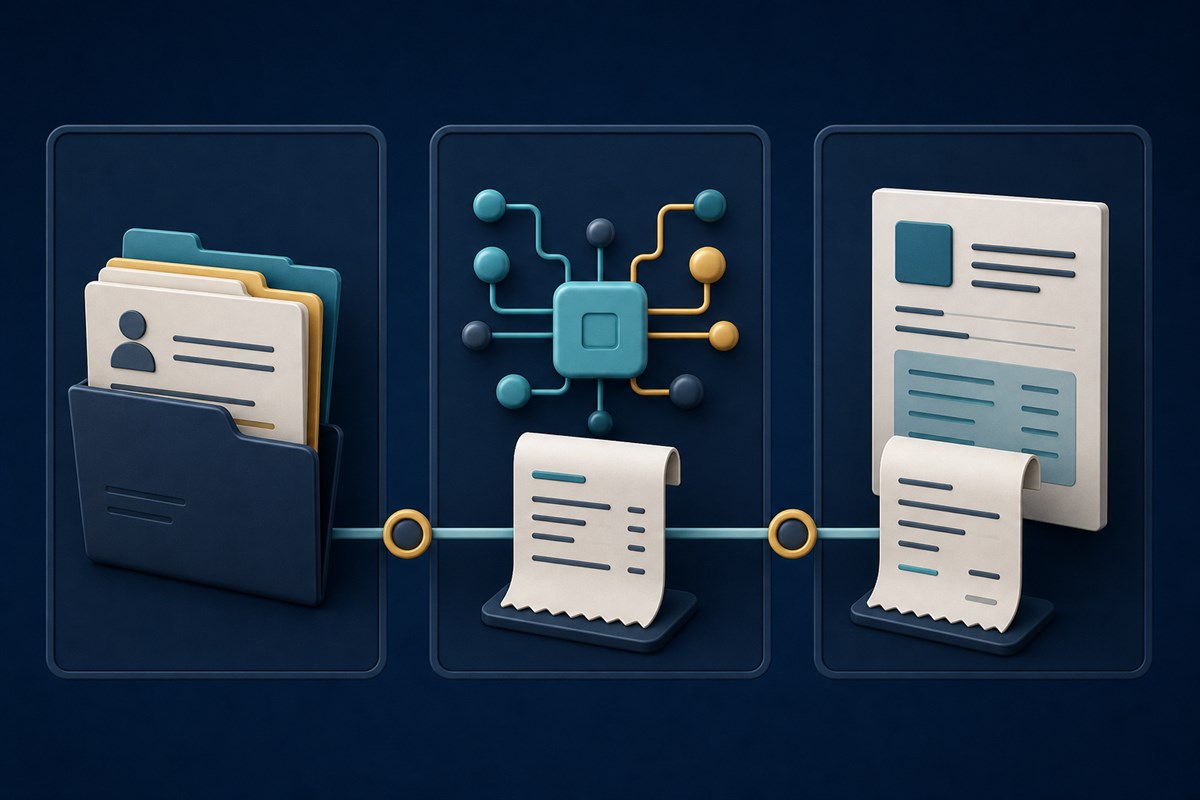
Different parties control different stages:
For the records to collect before and after a payment request, use the deposit and withdrawal evidence checklist. If the contact itself looks suspicious, return to the exact-domain and operator verification guide before sharing anything.
- Platform/operator: account, cashier request ID, internal status, KYC and support/complaint case.
- Payment processor/bank/e-wallet/card/crypto service: sender/recipient, provider reference, posted/pending/reversed state.
- Destination: bank/e-wallet credit, card statement or blockchain address/confirmation record.
A platform saying “sent” does not prove receipt. A provider showing “pending” does not prove the platform approved it. Ask each party for the reference it controls and add it to one timeline.
Use a focused support request
Please confirm the recorded stage and reason for [case/transaction ID]. The amount/currency, method and timestamp are [details]. Please identify the specific term or evidence you rely on, any item still required, the secure submission route, the case number and the escalation owner. Please reply in writing.
Do not include passwords, OTPs, full payment credentials or unnecessary identity documents. Ask one issue per case when possible so the answer can be traced.
Build a transaction timeline
- Account/action before the transaction.
- Transaction request ID, amount, method, timestamp/timezone.
- Provider reference and status.
- KYC or terms request and upload evidence.
- Each support contact, case ID and reason given.
- Current status and the exact unresolved question.
Use facts, not conclusions. “Status changed from pending to rejected at 14:12 PHT” is stronger than “support stole my money” when the reason has not been established.
Escalate to the body with actual scope
- Use the operator’s verified complaint process first when appropriate.
- Contact the bank/payment provider for evidence or action it controls.
- Use a regulator or dispute body only after verifying authority over the exact company/domain and issue.
- Use law-enforcement or fraud-reporting routes for suspected crime within their jurisdiction.
- Use a privacy authority for personal-data concerns within its scope.
Do not import a UK complaint timeline into the Philippines or assume PAGCOR covers a named platform. A complete record does not guarantee response, refund, payout, enforcement or a particular resolution.
Frequently asked questions
Is the top search-result phone number official?
Not necessarily. Go directly to a domain you independently verified and find support there.
Should I give support an OTP?
No. Use an OTP only in the verified authentication flow you initiated.
Can I post my full ID or transaction screenshot publicly?
No. Keep originals private and share a redacted copy. Use secure verified channels for necessary identity evidence.
Does this guide rate SuperAce88 support?
No. It makes no claim about SuperAce88 support route, quality, response time or outcomes.
Primary sources
- UK Gambling Commission: How to Complain
- FTC: Customer-Service Impersonators
- FTC: Phishing Scams
- NPC: Right to Be Informed